Bring in the property
Paste a supported listing URL or upload the approved exterior, interior, amenity, and detail photos.
Paste a property link or upload approved photos. Reeloft turns the assets you already have into an editable listing video with camera motion, music, narration, captions, branding, and the right format for each screen.
Paste a listing link
Import available property photos and details
Upload property photos
Use approved JPG, PNG, or WebP images
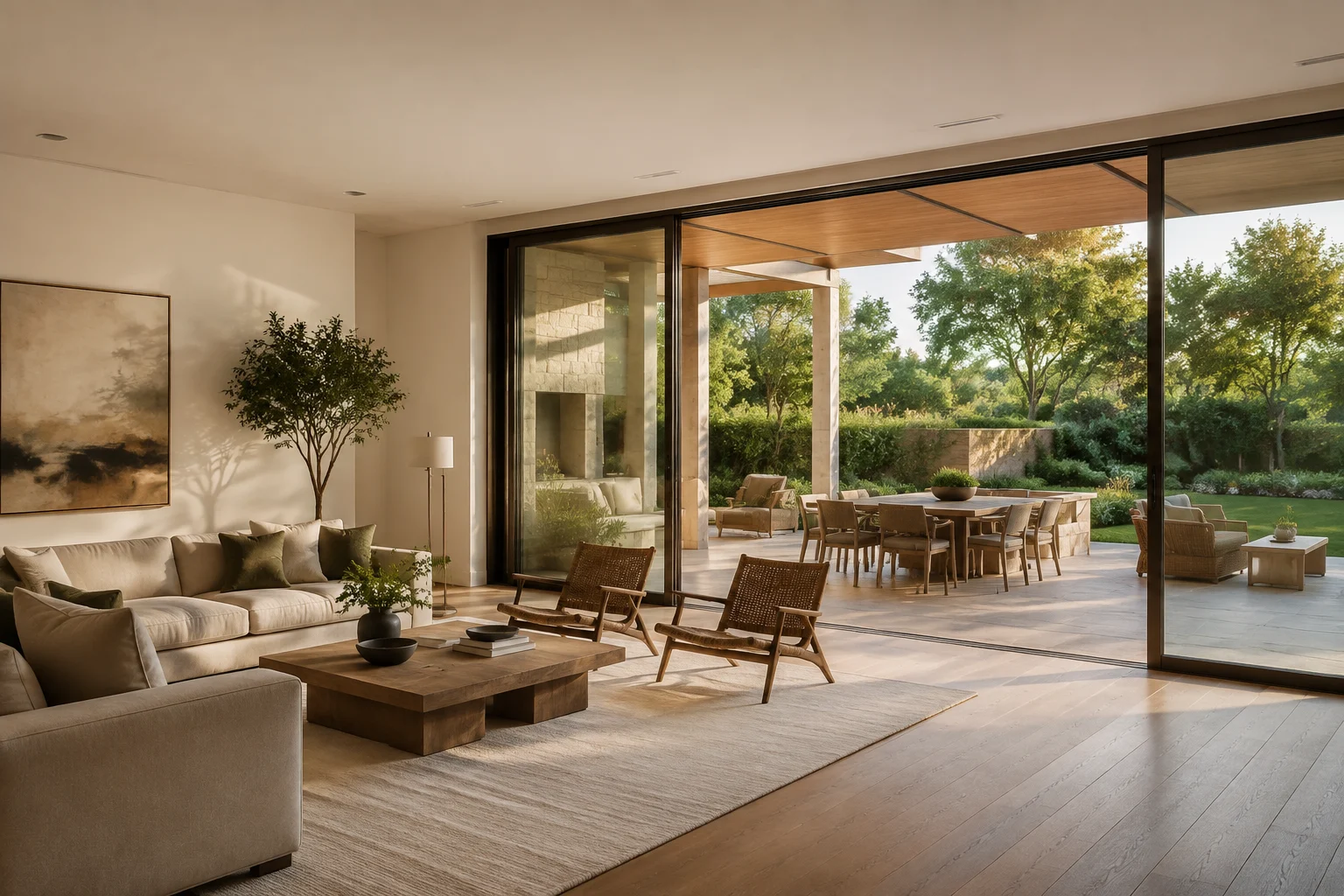
Modern hillside residence
12 scenes · 00:38 · Vertical
One property story, sized for where buyers watch
Vertical
9:16 for Reels, TikTok, and Shorts
Square
1:1 for flexible feed placement
Landscape
16:9 for listings, YouTube, and presentations
A guided production path
Build the first cut quickly, then keep control of the visual order, movement, sound, property facts, and final export.
Paste a supported listing URL or upload the approved exterior, interior, amenity, and detail photos.
Select the strongest images, arrange a clear room-by-room sequence, and choose automatic or photo-by-photo camera movement.
Layer in music, optional narration, readable captions, accurate property details, and a reusable agent or brokerage outro.
Check every generated scene, refine the editable project, then prepare vertical, square, or landscape versions.
Made for real estate marketing
Reeloft combines a focused property workflow with the editing controls needed to turn a photo set into a coherent campaign asset.
Add restrained push, pull, orbit, arc, slide, or reveal motion to individual rooms while keeping the original photo as the visual source.
Start from a supported property URL when you want to bring available listing photos and details into one guided project.
Balance an optional voice track with music, on-screen copy, and readable captions for silent or sound-on viewing.
Finish with a consistent profile outro and keep colors, contact details, and calls to action aligned across listings.
Reorder scenes, adjust timing, refine text, change audio, or ask the AI editor for another version before you export.
Create vertical, square, and landscape outputs from the same approved property story instead of rebuilding every placement.
One project, many campaign moments
Use the same verified property assets to create focused videos for each stage of the listing lifecycle.
Launch
Open with the strongest exterior or defining space, then give buyers a concise first look.
Social
Turn the kitchen, view, garden, or primary suite into a short vertical video with one clear message.
Event
Add the verified date, time, response details, and a clear call to action for the next showing.
Follow-up
Refresh accurate price, availability, or status details without remaking the entire property story.
Built for real estate work
Launch social, listing-page, email, and presentation video while the property is still fresh.
Turn an approved photo package into an additional client deliverable without scheduling another shoot.
Create a repeatable branded workflow across properties, team members, and campaign channels.
Explore Reeloft
Go directly to the real-estate video tool, campaign format, or examples you need.
Upload a finished photo set, choose its sequence and motion, then build the video.
Begin with a supported property link and import available listing assets.
Shape the property story for vertical, mobile-first social viewing.
Create a focused event promo with accurate timing and response details.
Review documented source photos and actual Reeloft video outputs.
Plan the content, distribution, and measurement around a listing campaign.
Dictationer + Reeloft
Use Dictationer to transcribe a walkthrough, interview, or voice note into clean text and reusable copy. Then use Reeloft to shape the listing photos or original footage into the finished video.
Transcribe a property walkthrough, agent introduction, or narration draft with Dictationer.
Transcribe a property videoCreate the property video in Reeloft, refine the edit, and export for each marketing channel.
Explore Reeloft’s AI editorUse only media and listing details you are authorized to publish. Review generated scenes, captions, narration, pricing, dates, and property claims before release, and follow the disclosure and advertising rules that apply in your market.
FAQ
It is a guided workflow for turning approved property photos or a supported listing URL into an editable real estate video. You can control the sequence and movement, add audio and branding, and prepare different aspect ratios.
No. Reeloft can start from still property photos. If you already have walkthrough footage, you can also use its broader AI video editing tools to cut, caption, reframe, and polish the recording.
Yes, supported property links can be used to import available photos and details. You can also upload the approved photos directly when a listing link is not available or supported.
Reeloft supports vertical 9:16, square 1:1, and landscape 16:9 outputs for social feeds, ads, listing pages, email, YouTube, presentations, and other placements.
Yes. The result stays editable so you can reorder scenes, change timing, refine text, captions, music, layout, and branding, or request supported changes through the AI editor.
Dictationer helps turn spoken property content into transcripts, summaries, captions, translations, and reusable copy. Reeloft handles the visual edit, motion, soundtrack, branding, aspect ratios, and export.
Your next listing can start with one link
Bring an approved photo set or supported property URL, review the generated project carefully, and publish the format your campaign needs.
Create with Reeloft