Best AI Transcription Tools in 2026
Dictataioner
•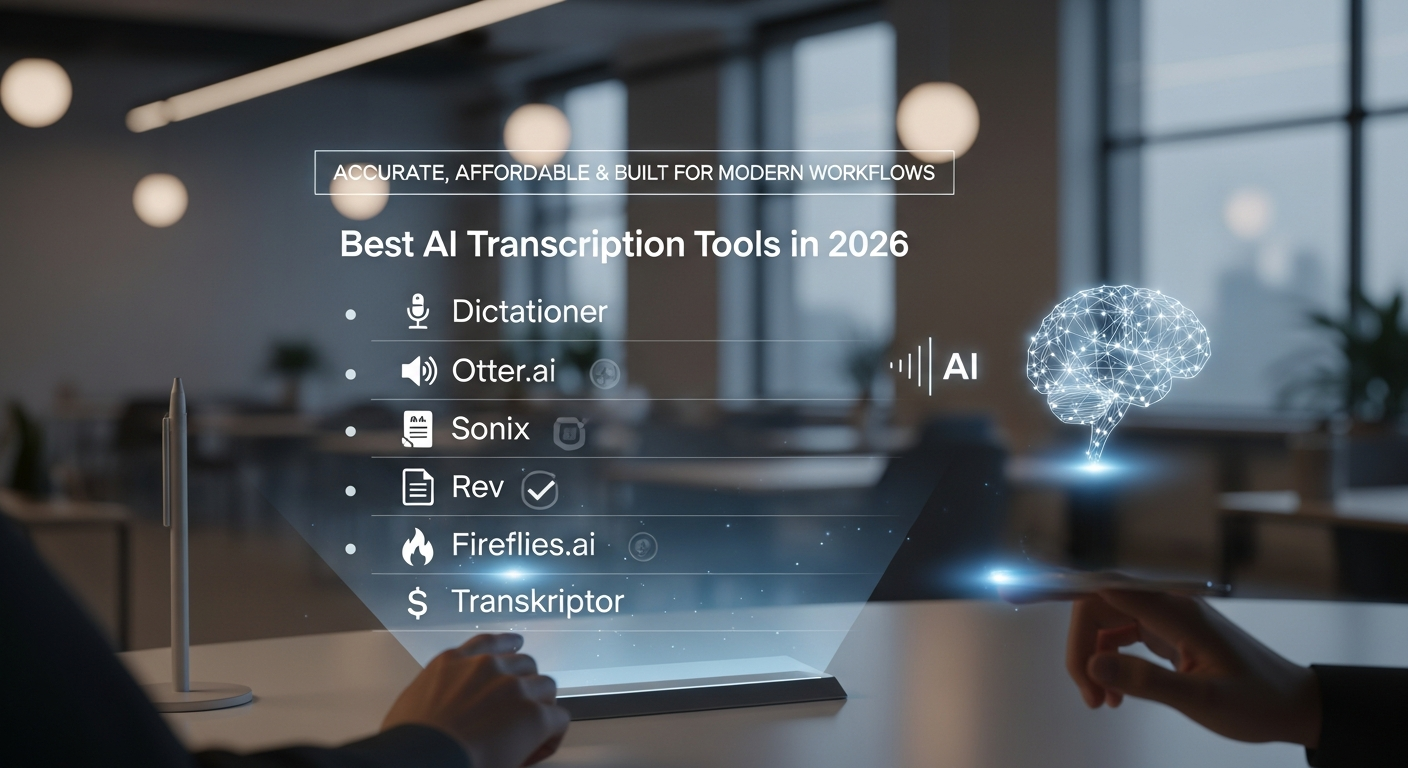
Accurate, Affordable & Built for Modern Workflows
AI transcription has evolved dramatically. In 2026, it’s no longer just about converting speech to text — it’s about export flexibility, collaboration, summaries, analysis, subtitles, and content automation.
Whether you’re a content creator, journalist, student, remote worker, or business team, choosing the right transcription tool can save hours every week.
Here are the best AI transcription tools in 2026, compared by features, pricing, and use case.
1. Dictationer – Best All-In-One AI Transcription Platform
If you’re looking for more than basic speech-to-text, Dictationer stands out as one of the most complete platforms available.
It combines transcription with AI analysis, export tools, and content repurposing features, making it ideal for creators and teams.
Key Features
- High-accuracy AI transcription with timestamps & speaker detection
- Export to SRT, VTT, PDF, DOCX
- AI summaries, topic analysis & key phrase extraction
- Blog draft & social caption generation
- Multi-language transcription & translation
- Clean browser editor for reviewing and organizing transcripts
Pricing
- Unlimited plan starting around $9/month
- Annual plan available
📌 Best for: Content creators, marketers, educators, and teams who want transcripts + content automation in one place.
2. Otter.ai – Best for Real-Time Meetings
Otter.ai remains one of the strongest tools for live transcription and collaborative notes.
Key Features
- Real-time transcription
- Speaker identification
- Meeting highlights & keyword summaries
- Zoom and calendar integrations
Pricing
- Free plan with limited minutes
- Pro and Business plans from ~$8–$20/month
📌 Best for: Teams, classrooms, remote meetings.
3. Sonix – Best for Professional Transcription Workflows
Sonix is popular among journalists and media professionals who need reliable transcription and strong export options.
Key Features
- Multi-language AI transcription
- Browser-based editor
- Export to SRT, VTT, DOCX, PDF
- Team collaboration tools
Pricing
- Pay-as-you-go (~$10/hour of audio)
- Subscription plans available
📌 Best for: Media production and professional documentation.
4. Rev – Best for Human-Verified Accuracy
Rev offers both automated AI transcription and optional human-reviewed transcripts.
Key Features
- AI transcription (~$0.25/min)
- Human transcription (~$1.50+/min)
- Caption and subtitle exports
📌 Best for: Legal, academic, or high-accuracy professional needs.
5. Fireflies.ai – Best AI Meeting Assistant
Fireflies focuses on automated meeting capture and AI-generated summaries.
Key Features
- Auto-joins online meetings
- Transcripts + summaries
- Searchable meeting archive
- Team collaboration
📌 Best for: Companies that run frequent online meetings.
6. Transkriptor – Best Budget-Friendly Option
Transkriptor is an affordable AI transcription platform with core functionality.
Key Features
- AI transcription with timestamps
- Multi-language support
- Basic export options
Pricing
- Plans start around ~$8/month
📌 Best for: Students and budget-focused users.
Quick Comparison Overview
If you need:
- Full content workflow + exports → Dictationer
- Live meeting capture → Otter.ai
- Professional editing & subtitles → Sonix
- Maximum accuracy → Rev
- Meeting assistant AI → Fireflies
- Low-cost transcription → Transkriptor
What to Look for in an AI Transcription Tool
When choosing a transcription platform in 2026, consider:
✔ Accuracy & speaker detection
✔ Export formats (SRT, VTT, PDF, DOCX)
✔ Real-time vs upload-based transcription
✔ AI summaries & analysis
✔ Collaboration features
✔ Pricing model (per minute vs subscription)
Transcription alone is no longer enough — modern workflows require analysis, formatting, export flexibility, and content reuse.
Final Thoughts
The best AI transcription tool depends on your workflow.
If you only need meeting notes, Otter or Fireflies may be enough.
If you need high-accuracy legal documentation, Rev makes sense.
If you’re producing content, subtitles, blogs, or social posts — platforms like Dictationer offer a more complete system.
In 2026, the future of transcription isn’t just speech-to-text.
It’s speech-to-content.
Share and Earn Credits!
Share this link and earn credits when others register or subscribe.
Share anywhere - social media, messaging apps, or your favorite platform!
Learn more about Free Credit