Transcribe SNS Videos and Export VTT/SRT for Any Video Editor

Dictataioner
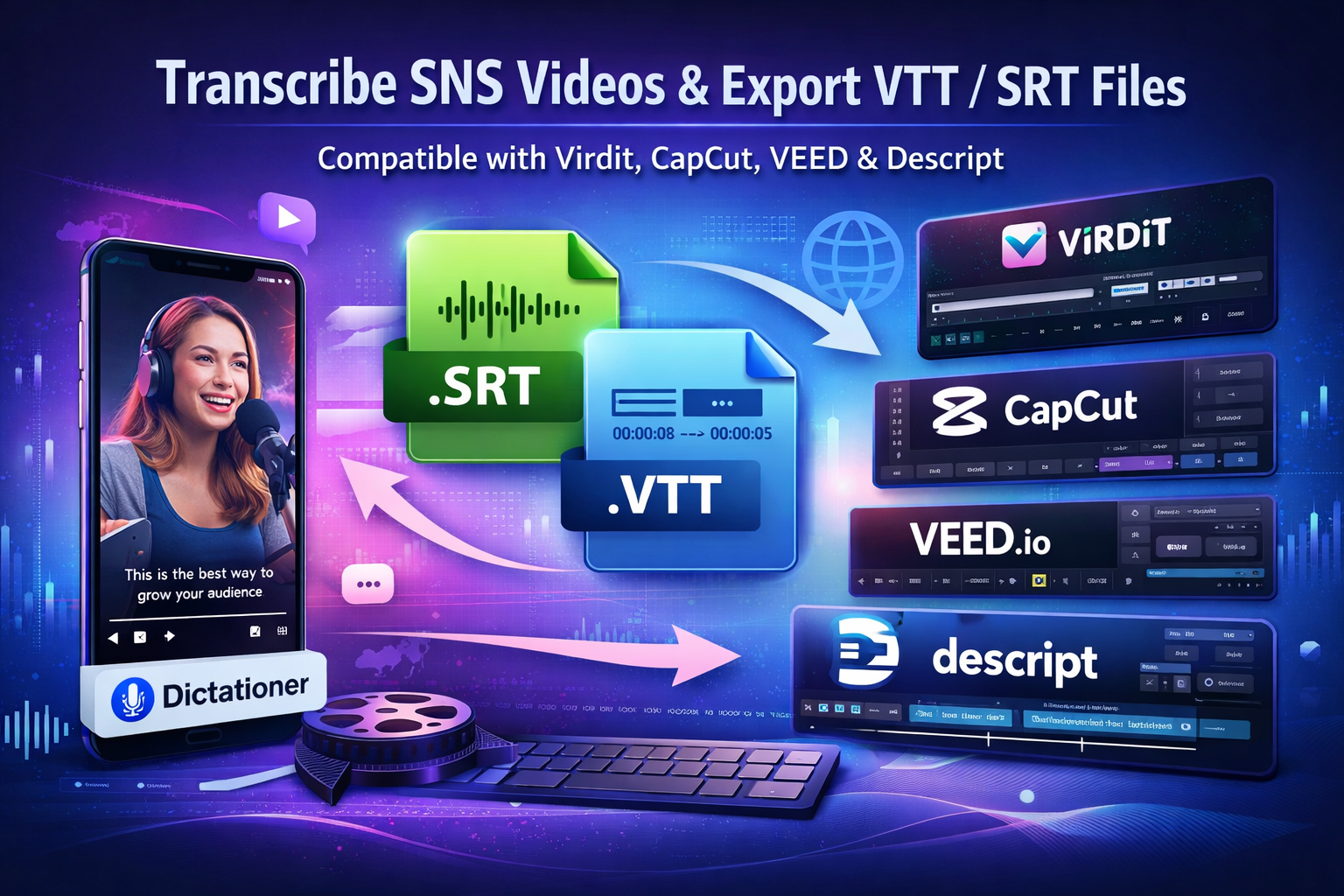
•
Short-form content dominates Instagram, TikTok, and YouTube. But most creators still treat social videos as end products instead of reusable assets.
If you transcribe SNS videos and export professional subtitle files (VTT / SRT), you unlock a powerful workflow:
Video → Transcript → Subtitle File → Professional Editing → Republish
With Dictationer, you can convert social media videos into clean transcripts and export industry-standard subtitle formats that work across major video editors — including Virdit, CapCut, VEED, and Descript.
Why Transcribing SNS Videos Is Strategic (Not Just Convenient)
Search engines can’t watch your Instagram Reel — but they can index text.
Transcription allows you to:
- Repurpose videos into blog posts
- Extract captions & hooks
- Improve SEO visibility
- Add accessibility-friendly subtitles
- Translate into multiple languages
- Import captions into professional editors
Instead of rebuilding captions manually in every tool, you create them once — and reuse everywhere.
Step 1: Transcribe SNS Videos with Dictationer
Using Dictationer is simple:
- Copy a public SNS video link
- Paste it into Dictationer
- Generate a structured transcript instantly
Start here:
For Instagram specifically:
👉 https://www.dictationer.com/paste-link/instagram-to-text
Dictationer provides:
- High-accuracy AI transcription
- Multi-language support
- Clean formatting
- Optional summarization & translation
- Timestamp alignment
This creates production-ready text instead of messy auto-generated captions.
Step 2: Export VTT and SRT Subtitle Files
Once your transcript is generated, you can export:
- .SRT (SubRip Subtitle)
- .VTT (WebVTT)
These are universal subtitle formats supported by nearly every major editor.
They preserve:
- Accurate timestamps
- Subtitle segmentation
- Proper sequencing
- Editing compatibility
You now have a standardized file that can move across tools without rework.
Step 3: Import Into Major Video Editors
Your exported subtitle files can be imported into:
1️⃣ Virdit
An AI-focused short-form video studio optimized for vertical content.
You can apply animated captions, word-by-word highlighting, and advanced styling using your SRT/VTT file as the base.
2️⃣ CapCut
CapCut supports importing SRT files for automatic caption alignment.
Instead of retyping captions manually, upload your exported file and apply built-in animation styles instantly.
3️⃣ VEED
VEED allows direct SRT uploads, letting you adjust font, color, and positioning without rebuilding captions from scratch.
4️⃣ Descript
Descript is transcript-first by design. You can import subtitle files or use Dictationer transcripts as structured input for further editing and publishing.
Why This Multi-Editor Compatibility Builds Trust
By exporting VTT/SRT, you’re not locked into one ecosystem.
Your workflow becomes flexible:
- Start with Dictationer
- Choose any editor
- Maintain timestamp accuracy
- Keep consistent subtitle structure
- Republish faster
This interoperability is important for:
- Agencies managing multiple client workflows
- Teams using different editing stacks
- Creators testing various platforms
- Businesses scaling multilingual content
A Professional Creator Workflow
Here’s a scalable system:
- Capture trending SNS video
- Transcribe with Dictationer
- Export SRT or VTT
- Import into Virdit, CapCut, VEED, or Descript
- Apply brand styling & animation
- Publish optimized vertical content
Instead of duplicating effort across platforms, you create a reusable subtitle asset once.
Why Subtitle Files Improve Performance
Subtitles:
- Increase watch time
- Improve accessibility
- Support silent autoplay environments
- Enable multi-language expansion
- Enhance search discoverability
For creators repurposing short-form content at scale, this becomes a competitive advantage.
Final Thoughts
Social media videos shouldn’t disappear after 24 hours.
By transcribing SNS videos with Dictationer and exporting professional subtitle formats (VTT / SRT), you create structured assets compatible with:
- Virdit
- CapCut
- VEED
- Descript
- And most modern video editors
Start transcribing today:
Then import your subtitle files into your preferred editor and bring your content to life.
Turn temporary social posts into long-term, searchable, editable content assets — and scale your production with precision.
Share and Earn Credits!
Share this link and earn credits when others register or subscribe.
Share anywhere - social media, messaging apps, or your favorite platform!
Learn more about Free Credit