Extract Captions from Instagram Videos Without Downloading

Dictataioner
•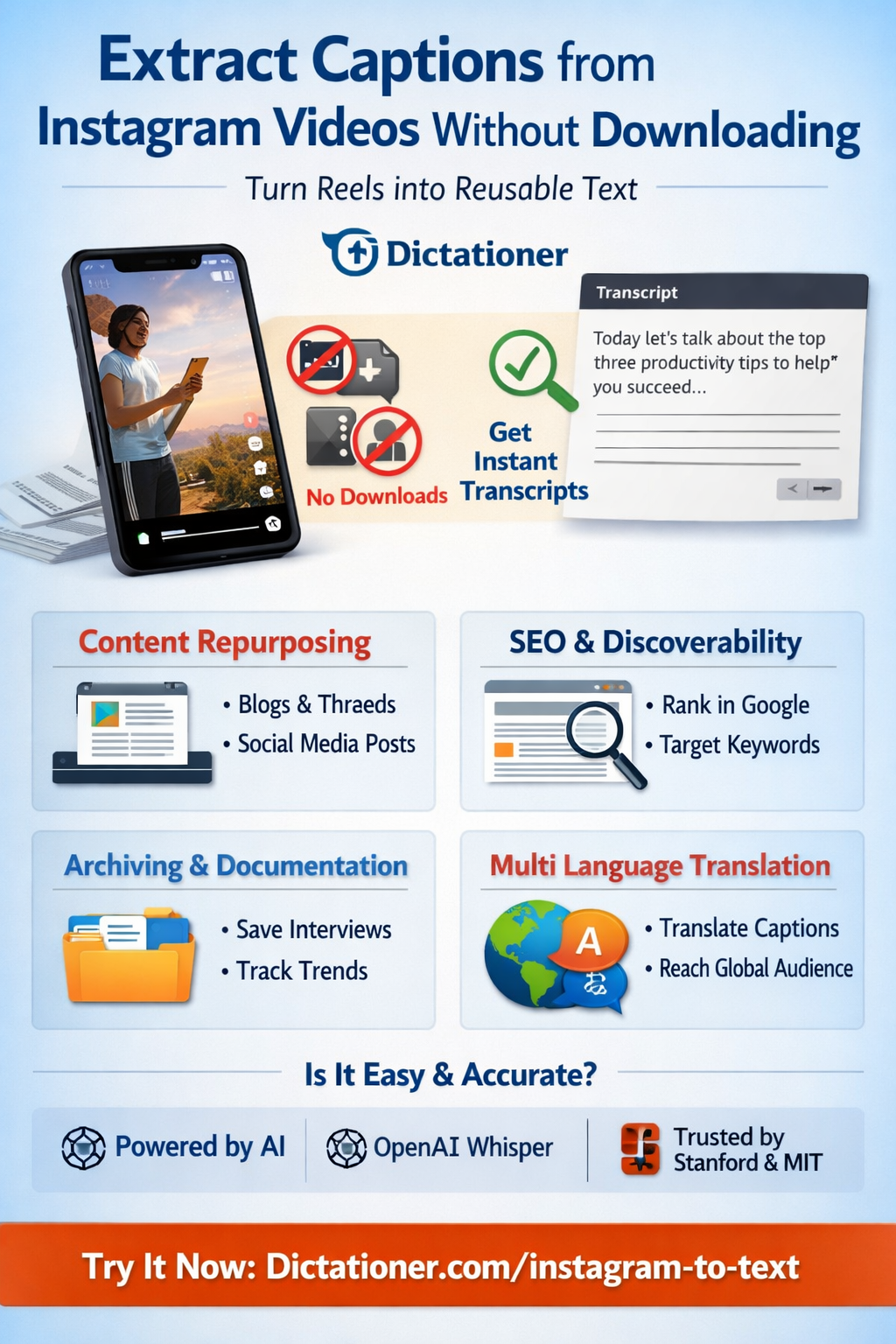
A Smarter Way to Turn Reels into Reusable Text
Instagram is built for scrolling. But creators, marketers, and researchers often need something more permanent than a disappearing Reel — they need the words.
Whether you're repurposing content, analyzing trends, archiving interviews, or creating blog posts, extracting captions from Instagram videos without downloading them is faster, cleaner, and far more efficient.
Let’s walk through how — and why — this matters.
Why You Should Extract Captions (Instead of Downloading Videos)
Downloading videos creates friction:
- ❌ Takes storage space
- ❌ Raises copyright concerns
- ❌ Slows down your workflow
- ❌ Requires editing before text reuse
Instead, extracting captions or transcripts directly from a link allows you to:
- ✅ Turn spoken content into searchable text
- ✅ Repurpose Reels into blog posts or newsletters
- ✅ Generate quotes for Threads, X, or LinkedIn
- ✅ Analyze competitor messaging
- ✅ Translate content into multiple languages
Text is portable. Video files are heavy.
The Cleanest Way: Paste the Link and Extract
With Dictationer, you don’t need to download the video at all.
You simply:
- Copy the Instagram Reel link
- Paste it into the Instagram-to-text tool
- Get a clean transcript in seconds
👉 Official tool:
https://www.dictationer.com/paste-link/instagram-to-text
No watermark. No download. No re-upload.
Just text.
Is This Accurate?
Modern AI transcription models such as OpenAI’s Whisper have significantly improved speech recognition accuracy across accents and noisy environments. Independent benchmarks show strong performance for conversational speech and short-form video content (see research from Stanford University and open evaluation datasets such as LibriSpeech).
Dictationer leverages advanced speech recognition systems to provide fast, structured transcripts optimized for creators.
If you want to understand how AI speech-to-text works technically, you can explore:
- OpenAI Whisper research paper
- https://huggingface.co/openai/whisper
- Speech recognition overview by MIT: https://news.mit.edu/topic/speech-recognition
These sources show how transformer-based models convert audio waveforms into text tokens with high reliability.
When Extracting Captions Makes the Biggest Difference
1. Content Repurposing
Turn a 30-second Reel into:
- A 500-word blog post
- A Twitter thread
- Carousel slides
- SEO landing page content
Text scales. Video doesn’t.
2. SEO & Discoverability
Instagram content is not indexed in the same way as web pages. But transcripts are.
By converting spoken words into text, you can:
- Rank in search engines
- Target long-tail keywords
- Build internal links
- Improve domain authority
This is especially powerful for brands publishing educational or niche content.
3. Archiving & Documentation
Creators often lose access to older captions or drafts. Extracting transcripts allows you to:
- Build a content database
- Analyze recurring hooks
- Track messaging evolution
- Document collaborations
For agencies managing multiple creators, this becomes operationally critical.
Is It Legal?
Extracting publicly accessible captions for personal use, research, or repurposing your own content is generally acceptable. However, redistributing copyrighted content without permission may violate platform policies.
For Instagram’s official policies, refer to:
- https://help.instagram.com
- Meta platform guidelines
Always respect creator rights and terms of service.
Why Not Just Use Instagram’s Auto-Captions?
Instagram’s built-in captions:
- Are not easily exportable
- Cannot be batch processed
- Are difficult to reuse outside the app
Extracting captions externally gives you ownership of the text workflow.
A Workflow Example
Let’s say you’re a fitness creator.
You post a Reel about “3 Core Mistakes in Squats.”
Using a transcript:
- You extract the spoken content
- Expand it into a detailed blog article
- Add structured headings
- Insert affiliate links
- Rank for “squat mistakes beginners make”
One Reel → 5 content assets.
Final Thoughts
Video grabs attention.
Text builds assets.
If you’re serious about scaling content, extracting captions without downloading videos saves time, reduces friction, and unlocks repurposing potential.
Try it here:
Share and Earn Credits!
Share this link and earn credits when others register or subscribe.
Share anywhere - social media, messaging apps, or your favorite platform!
Learn more about Free Credit